
jilievo app: the casino and sportsbook on your phone
One screen holds the sportsbook, slot lobby and cashier in the jilievo app. New players get 150% up to ৳100K and 100 free spins; use code fun_2429 on the deposit.
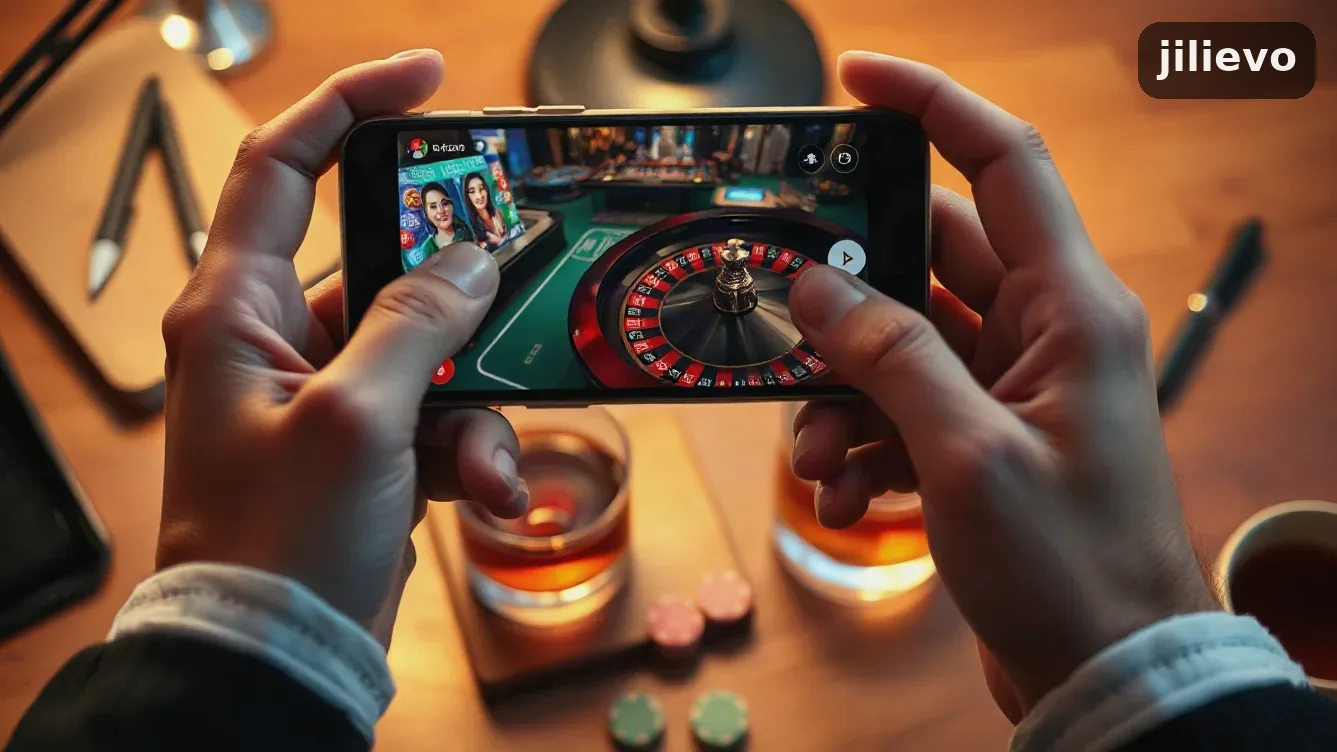
What the jilievo app puts on a phone screen
There are two ways in. Android takes a file from the jilievo site. iPhone users open the mobile site in Safari and save it to the home screen. Either route reaches the same account, balance and bonus, so the laptop keeps nothing extra.
That account carries the welcome offer: 150% up to ৳100K and 100 free spins. Enter fun_2429 on the deposit form. The terms hold the wagering requirement, which sets whether bonus money can be withdrawn. Check it before you deposit.
Sportsbook, slots and live tables share one menu
On a phone, betting markets, the slot lobby and live tables sit behind one menu. Football and cricket share space with roulette and blackjack. The jilievo casino page lists this month’s line-up.
| Step on the phone | Android | iPhone |
|---|---|---|
| Getting it | File from the jilievo site | Safari: Share, then Add to Home Screen |
| First open | Allow installs from this source | Tap the new icon |
| Updates | Download the newer file | Nothing to update, the page stays live |
| Sign in | Same login as desktop | Same login as desktop |
There is one prompt to expect. Android asks you to allow a file that did not come from the Play Store; for a direct download, that is normal. Use only the jilievo site, and ignore any APK sent through a messaging group.

The phone install takes about the time you need to set a new PIN. The two routes separate at step two, so follow the line for your handset.
How to get jilievo onto a phone without errors
-
 1Open jilievo in the phone browserOpen Chrome or Safari on the handset you will bet with, then type the site address. Start on the phone and you avoid installing again on a second device.
-
 2Take the file or the home-screen shortcutOn Android, tap the download link on the site and keep the file. On iOS, open the share menu, choose Add to Home Screen, and the same site gets an icon.
-
 3Approve the install and sign inYour phone will warn you about an outside source. Permit it for this file only, let the install finish, then sign in with your current details. New users can open an account at jilievo registration.
-
 4Make the first deposit and enter fun_2429In the cashier, choose a method and put fun_2429 on the deposit form before you confirm. The first deposit carries the 150% up to ৳100K and 100 free spins.
What a phone needs before it runs jilievo
Chrome or Safari at a current version covers most of it, and the Android file sits with your other apps. A laptop login opens the same wallet and bet history here. The button below pulls the current Android file. The iPhone button opens the mobile site for you to save.
Where the app helps and where it does not
- One login for sportsbook and casino
- Promo code goes straight into the deposit form
- jilievo charges nothing for the file or shortcut
- Balance and bet history match your desktop account
- On iPhone it is a saved page, not a native app
- Android install still needs outside-source permission
- Each Android update means downloading a fresh file
- Bet slips and tables feel cramped on a 5-inch screen


Bonus, cashier and support on a phone screen
Most phone sessions end up in the cashier, so begin there. The jilievo bonus page shows what is live now; the welcome deal is 150% up to ৳100K plus 100 free spins on the first deposit.
Where fun_2429 is entered
Put fun_2429 into the deposit form in the cashier before you confirm the payment. The registration form has no field for it, and a deposit sent without the code is simply a deposit with no extra.
| Offer detail | What it says |
|---|---|
| Welcome offer | 150% up to ৳100K + 100 free spins |
| Promo code | fun_2429 |
| Where it is entered | Deposit form in the cashier |
| Minimum age | 18 and over |
The methods in your cashier depend on the account. The jilievo payment methods page tracks what is live, with limits and fees. Being on a phone changes nothing: the app cashier is the desktop cashier.
When something gets stuck
Chat and email contacts are in the menu. Keep your deposit reference ready before you write. Use your own name on the account; a withdrawal to someone else’s wallet often stalls at verification.
The site is for adults aged 18 and over. Account settings hold deposit limits for long sessions. Set one before your first bet; it is easier than doing it after a bad night.
Common questions on the jilievo mobile app
Does the jilievo app cost anything?
Yes. There is no jilievo charge for the Android file or the iPhone shortcut. Your operator still bills data use, which matters when you bet on mobile data instead of Wi-Fi.
Can I use my current account on the phone?
No. Sign in with your laptop details; the balance, bet history and bonus progress stay on that same account. A second account splits the bonus and makes verification harder.
Where should I enter the code fun_2429?
Enter it in the cashier, on the deposit form, before you confirm the payment. The registration form has no field for it. On that first deposit the welcome offer pays 150% up to ৳100K and 100 free spins.
Does the iPhone version match the Android one?
It opens the same site, cashier and account, saved to the home screen instead of installed from a file. You give up a native app: no store updates and no app push messages.
Can I claim the welcome bonus without any install?
Yes. The desktop site and the mobile browser take the same code and pay the same 150% up to ৳100K with 100 free spins. The app is a convenience, not a condition.
What if the Android file refuses to install?
Check that the download finished and the phone allows installs from this source. Make sure there is free storage too. Delete the partial file and download again from the jilievo site, not a third-party mirror.